

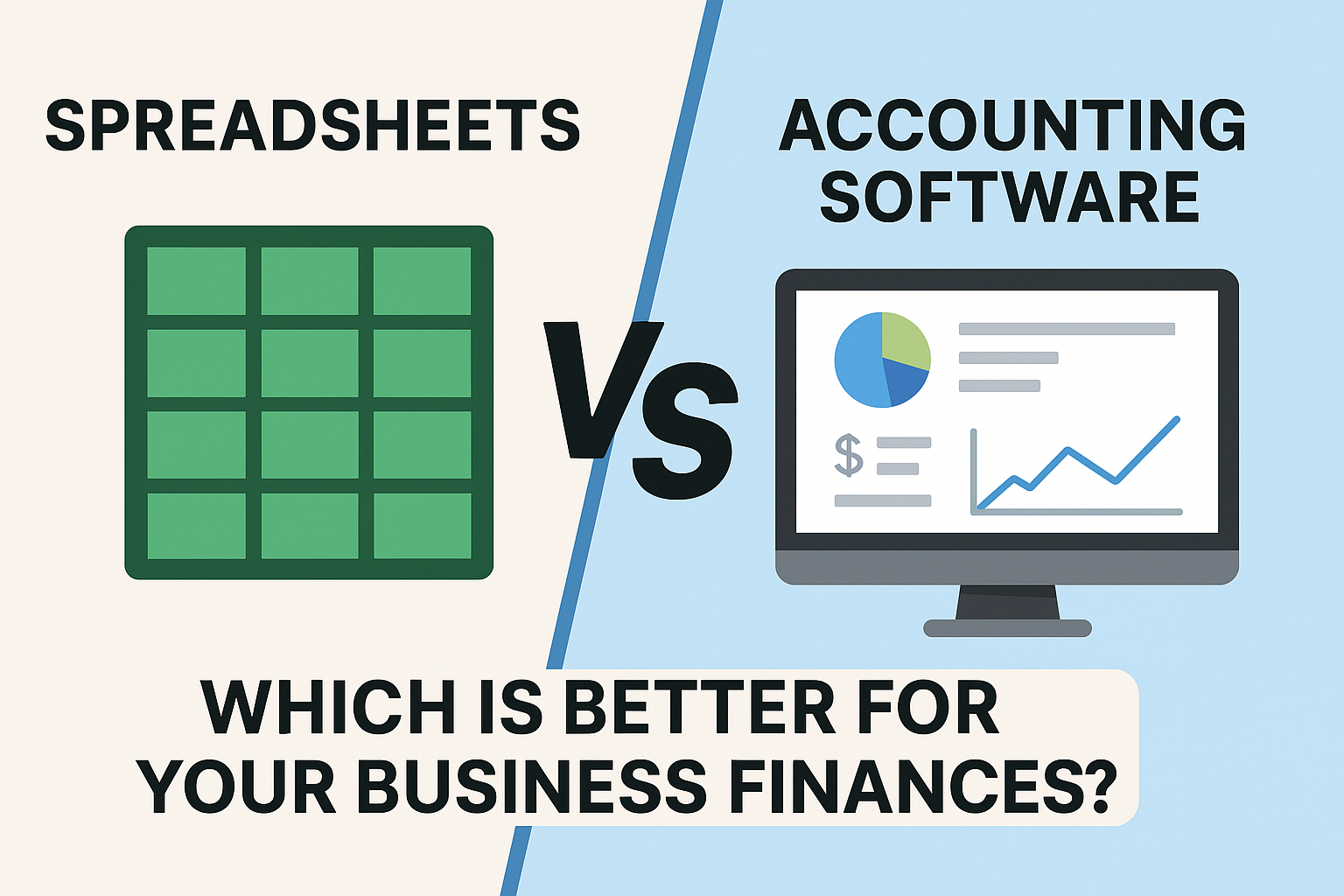
Introduction — the question every small business owner asks
When you first start a business, spreadsheets feel magical: cheap, flexible, and familiar. But as your sales, invoices, bank feeds, and compliance needs grow, spreadsheets can become slow, error-prone, and risky. Modern cloud accounting tools—Xero, QuickBooks Online, and payment-focused platforms like Melio—promise automation, real-time data, and fewer headaches. This article explains all these clearly, so you can choose the right approach for your stage of growth.
Quick snapshot: who wins at what
- Use spreadsheets if: you’re solo, have very simple finances, strict budget constraints, and prefer manual control.
- Use accounting software (Xero / QuickBooks) if you want automatic bank feeds, robust reporting, multi-user access, simplified tax prep, and fewer manual errors.
- Use Melio (or similar AP/AR tools) if: you want to modernize bill payments and collections while keeping your accounting platform (e.g., Xero/QBO) as the system of record.
The spreadsheet case: why people stick with Excel and Google Sheets
Spreadsheets remain popular because they’re:
- Low-cost or free (Google Sheets).
- Flexible — you can model anything with formulas and pivot tables.
- Ubiquitous — most people already know the basics.
Many startups use spreadsheets for cash flow forecasting, simple profit & loss calculations, and quick ad-hoc reports. For tiny operations with few transactions, a well-built spreadsheet can work perfectly for months or even years.
But spreadsheets have real, documented limits
- Error risk: Studies and industry analyses repeatedly show spreadsheets are highly error-prone when used for accounting — small formula mistakes or incorrect cell references can produce major financial misstatements. Accounting software reduces manual double-entry and enforces accounting rules automatically.
- No real-time reconciliation: Spreadsheets don’t connect directly to bank feeds unless you add third-party connectors (which introduce security and maintenance overhead).
- Scaling pain: Adding users, permissions, or audit trails in a spreadsheet is clumsy and risky.
If your business expects steady monthly transactions, customers, or payroll, spreadsheets often become a bottleneck.
What accounting software brings to the table
Accounting platforms automate bookkeeping tasks, maintain a single source of truth, and provide reporting designed for business decision-making:
- Automatic bank feeds & reconciliation: Transactions flow directly from your bank and are reconciled with rules and suggestions.
- Accurate double-entry bookkeeping: The software enforces debits/credits and keeps financial statements in balance.
- Built-in reports: P&L, balance sheet, cash flow, aged receivables/payables available instantly.
- Multi-user access & permissions: Invite an accountant, delegate limited access, and maintain audit trails.
- Integrations: Connectors for payroll, payroll tax filing, invoicing, POS, ecommerce, and payment providers.
These features reduce manual work and the likelihood of mistakes while offering real-time visibility into cash flow and performance.
Spotlight: Xero, QuickBooks Online, and Melio — what each one does best
Xero — simple, global, multi-currency friendly
Xero is known for its easy-to-use interface and excellent multi-currency support, making it a favorite for freelancers and businesses of all sizes with international clients. It emphasizes clarity and a streamlined reconciliation experience. Xero also connects to many third-party apps for inventory, payroll, and e-commerce. If you need fast onboarding and clean reports, Xero is a top choice. (Xero)
QuickBooks Online (QBO) — deep features, especially in the U.S.
QuickBooks Online is extremely feature-rich, especially for U.S.-based businesses. QBO has mature payroll integrations, advanced reporting capabilities at higher tiers, and a massive ecosystem of add-ons and accountants who specialize in QuickBooks. Intuit continues to add AI features and product updates to streamline workflows and tax preparation. If you need tight U.S. payroll and tax filing or complex job costing, QBO is often the pragmatic pick.
Melio — modern AP/AR for businesses that need flexible payment flows

Melio is not a full accounting package; it’s a focused accounts-payable and accounts-receivable tool that integrates with accounting systems (so you keep Xero or QBO as the ledger). Melio’s standout features include paying vendors by credit card (even if the vendor only accepts ACH), pay-by-card to preserve cash flow, and streamlined approvals — all useful for cash management and vendor relationships. For businesses that want to modernize bill pay and collections without changing their core accounting system, Melio adds a lot of value.
Side-by-side: Spreadsheets vs Accounting Software — feature checklist
| Capability | Spreadsheets | Accounting Software (Xero/QBO) |
|---|---|---|
| Bank feeds |  (manual/import) (manual/import) |
 (automatic) (automatic) |
| Double-entry enforced | |
|
| Multi-user permissions | Limited | Robust |
| Audit trail | Weak | Strong |
| Payroll integration | Manual | Built-in or add-on |
| Invoice automation | Manual | Automated reminders, online pay |
| Integrations (POS, ecommerce) | Hard | Many native & third-party |
| Error risk | High | Lower (fewer manual steps) |
| Cost | Very low | Monthly subscription + add-ons |
This checklist highlights why most growing businesses migrate off spreadsheets before complexity explodes.
When spreadsheets are still the right choice
Keep using spreadsheets if:
- You have fewer than ~50 transactions/month, and those transactions are straightforward.
- You or your bookkeeper are very comfortable with manual controls and maintain disciplined reconciliation practices.
- Your cash flows, customers, and vendors are minimal — and you value no subscription cost.
But apply strict version control, backups, and regular peer review to avoid costly errors.
When to switch to accounting software — practical triggers
Consider migrating when you experience any of the following:
- Bank reconciliation takes more than a few hours per month.
- You’re preparing for payroll, hiring employees, or need tax filings automated.
- You require multi-user access with role-based permissions (e.g., giving accountant access).
- You want real-time cash flow reporting to support business decisions or loan applications.
- You need integrations with ecommerce platforms, POS systems, or payment tools like Melio.
If one or more of these apply, the time saved and reduced risk generally justify subscription costs.
Migrating: practical steps and tips
- Start with a clean spreadsheet — tidy up balances and reconcile recent months.
- Pick your accounting system — Xero for simplicity/global needs; QBO for U.S. payroll/depth.
- Use trial periods — connect your bank during the trial to test reconciliation flows.
- Migrate historic balances first — opening balances, customers, vendors, product lists.
- Run both systems in parallel for 1 month — reconcile results and catch mismatches.
- Train your team and lock down permission levels.
- Schedule regular exports or backups (even cloud systems benefit from periodic local exports).
Professional accounting partners often offer migration services — consider budgeting for that if your books are messy.
Cost considerations (real total cost of ownership)
- Spreadsheets: Near-zero software costs, but higher labor/time costs and risk exposure.
- Xero / QBO: Monthly subscription + possible payroll add-on + payment processing fees + app subscriptions. These costs are often offset by time savings, fewer errors, and better cash-flow management.
- Melio: Has transactional fees for some payment methods (e.g., credit-card-funded vendor payments), but the cashflow flexibility and ability to earn card rewards can be net positive for many SMBs. Always compare processing fees and benefits.
When calculating ROI, include staff time, error remediation, accountant fees, and the value of faster decisions enabled by real-time reporting.
SEO-friendly content tips if you publish this on your blog
- Target long-tail queries like: “should I use spreadsheets for business accounting?”, “Xero vs spreadsheets for small business”, and “Melio bill pay vs traditional ACH”.
- Use comparison tables (Google loves them), structured data (FAQ schema), and internal links to related articles (e.g., payroll guides).
- Add screenshots of bank reconciliation flows and Melio’s payment workflows with alt text for accessibility.
Final recommendation — a simple decision framework
- If your business is tiny and budget-sensitive: start with spreadsheets, but set a 6–12 month review to reassess.
- If you want to scale, add employees, or reduce risk: move to an accounting platform (Xero for international and simplicity; QuickBooks Online for deep U.S. payroll and advanced reporting).
- If you need better AP/AR without changing your ledger: integrate Melio with Xero or QBO to modernize payments and collections.
Closing — pick the tool that lets you run the business, not the books
Spreadsheets are powerful and will always have a place — but as soon as you need accuracy, scale, and integrations, accounting software pays for itself in time saved and risk reduced. Pair your ledger (Xero or QuickBooks) with targeted tools like Melio when you want modern payment flexibility without creating chaos in your books.








1 Comment
How do I sign up for Xero paid plan?