
Document-driven work is at the heart of nearly every modern organization. From contracts and proposals to onboarding paperwork, compliance forms, and internal approvals, documents quietly dictate how fast or slow business gets done. Yet despite rapid advances in digital tools, many teams still rely on manual processes, email chains, spreadsheets, and disconnected software to manage critical documents.
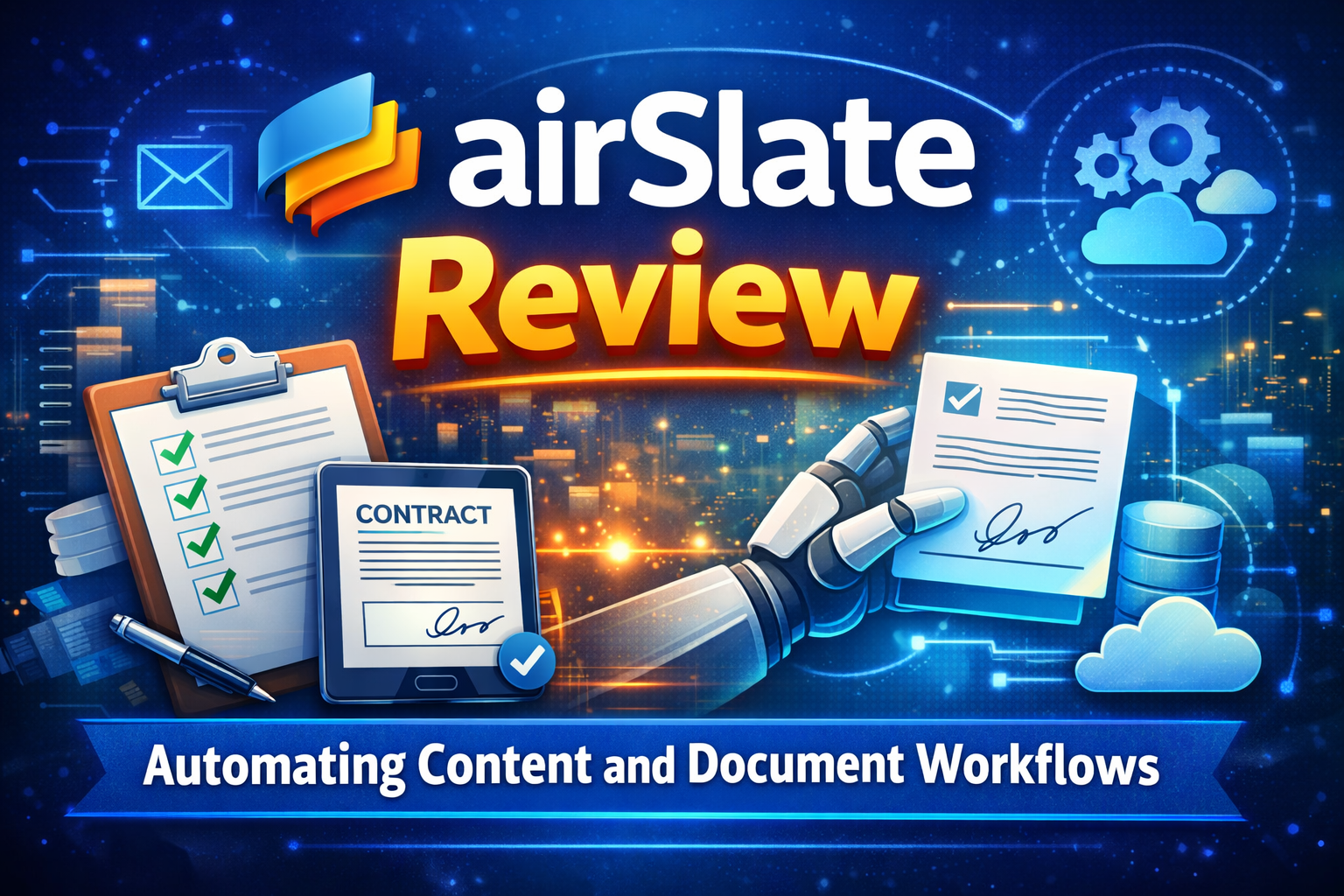
airSlate enters this space with a bold promise: to fully automate content and document workflows using a single no-code platform. Rather than treating document signing, form creation, approvals, and data movement as separate problems, airSlate combines them into one unified system.
In this in-depth airSlate review, we’ll explore what the platform offers, how it works in real business environments, where it excels, where it falls short, and whether it’s worth adopting for your organization. This review is written from a practical, business-focused perspective, not marketing hype, and is designed to help you make an informed decision.
Understanding airSlate as a Platform
airSlate is a no-code document workflow automation platform built to eliminate repetitive, manual document tasks. Its primary focus is automating how documents are created, filled, routed, approved, signed, and stored.
Instead of relying on multiple tools such as a form builder, an eSignature service, a workflow manager, and an integration platform, airSlate attempts to replace them all with one cohesive solution. This makes it particularly appealing to operations-heavy teams that want to reduce tool sprawl and manual coordination.
At its foundation, airSlate is built around document-centric automation. That distinction matters. While many automation tools focus on connecting apps together, airSlate is designed specifically around documents and the data inside them.
How airSlate Fits into Modern Business Workflows
In many organizations, documents are the glue that holds processes together. A sales deal begins with a quote, becomes a contract, requires approvals, needs signatures, and eventually gets archived. An employee onboarding process starts with an offer letter, continues with tax forms and policies, and ends with compliance documentation.
airSlate maps directly to these realities. It allows businesses to design automated flows that mirror real-life document journeys. These flows can be as simple or as complex as needed, depending on the organization’s requirements.
The platform is designed for scale. A workflow created once can be reused hundreds or thousands of times with different data, which is where the real efficiency gains come from.
The Core Concept Behind airSlate Workflows
airSlate uses what it calls “Flows” to represent automated document processes. A Flow is essentially a blueprint for how documents move through your organization.
A Flow might begin with a web form or uploaded document template. Data entered into that form automatically populates the document. The document is then routed to the appropriate individuals for review, approval, or signature. Once completed, the final document can be stored, exported, or synced with external systems.
What makes this powerful is that the entire process is automated and rule-based. Decisions that once required human intervention can be handled automatically based on predefined conditions.
No-Code Automation That Goes Beyond Simple Tasks
One of airSlate’s biggest strengths is its no-code automation engine. The platform uses automation Bots that perform specific actions within a workflow.
These Bots can pre-fill documents using data from spreadsheets or CRMs, send notifications and reminders, export completed files to cloud storage, update databases, and even trigger external processes through integrations or APIs.
Unlike traditional automation tools that require scripting or technical knowledge, airSlate’s Bots are configured through simple settings. This makes advanced automation accessible to business users, not just developers.
For organizations struggling with repetitive document tasks, these Bots can eliminate hours of manual work every week.
Document Creation and Dynamic Templates
airSlate places heavy emphasis on document generation. Users can create reusable templates that dynamically populate with data collected from forms or external systems.
This is particularly valuable for documents like contracts, proposals, invoices, and letters that follow a standard structure but vary slightly depending on the recipient or context.
Templates can include conditional fields, ensuring that only relevant sections appear based on the data provided. This reduces errors, maintains consistency, and ensures compliance with internal standards.
Integrated eSignature Through SignNow
A major advantage of airSlate is its built-in eSignature functionality, powered by SignNow. Rather than integrating a third-party signing tool, airSlate embeds eSignature directly into workflows.
This allows documents to be sent for signature automatically as part of a larger process. Signing order, role-based permissions, reminders, and tracking are all handled natively.
For businesses that rely heavily on signed documents, this tight integration eliminates friction and speeds up turnaround times significantly.
Collaboration and Role-Based Access
airSlate supports collaboration across teams by allowing role-based access to documents and workflows. Different users can be assigned specific responsibilities, such as filling out forms, reviewing content, approving documents, or signing agreements.
This ensures that sensitive data is only accessible to authorized users and that accountability is maintained throughout the process. Audit trails provide visibility into who did what and when, which is essential for compliance and internal governance.
Integrations That Extend airSlate’s Capabilities
airSlate integrates with many popular business tools, including cloud storage platforms, productivity suites, and CRMs. These integrations allow data to flow seamlessly between systems without manual intervention.
For example, a completed and signed contract can be automatically saved to Google Drive, logged in Salesforce, and shared with internal stakeholders. This level of integration ensures that document workflows don’t exist in isolation.
For more advanced use cases, airSlate also offers API access, making it possible to embed document automation into custom applications or proprietary systems.
Real-World Business Use Cases
In human resources, airSlate is commonly used to automate employee onboarding and offboarding. Offer letters, tax forms, policy acknowledgments, and compliance documents can all be generated, signed, and archived automatically.
Sales teams use airSlate to streamline deal cycles. Quotes and contracts are generated from templates, routed for approvals, signed electronically, and synced with CRM systems. This reduces deal friction and improves close rates.
Finance departments rely on airSlate for invoice processing, purchase approvals, and audit documentation. Automating these workflows reduces processing time and improves accuracy.
Legal teams benefit from standardized contracts, controlled revisions, and detailed audit trails, all of which reduce risk and administrative overhead.
Pricing Structure and Cost Considerations
airSlate offers multiple pricing tiers, which can vary based on the specific products and features required. Pricing typically depends on factors such as the number of users, document volume, and automation capabilities.
There is usually a free trial or entry-level plan that allows businesses to explore the platform. However, most organizations will need a paid plan to unlock advanced automation Bots, integrations, and compliance features.
Because airSlate combines multiple tools into one platform, the cost often replaces spending on several separate services. When evaluating pricing, it’s important to consider the total cost of ownership rather than just the monthly subscription fee.
Enterprise customers can negotiate custom pricing based on scale and requirements.
Ease of Use and Onboarding Experience
While airSlate is no-code, it is not a simple tool. The platform is powerful, and with that power comes complexity. New users may initially feel overwhelmed by the number of features and configuration options.
That said, airSlate provides templates, documentation, and onboarding resources that help reduce the learning curve. Once workflows are set up, they tend to run reliably with minimal intervention.
Teams that invest time upfront in designing proper workflows typically see the best long-term results.
Security, Compliance, and Trust
Security is a critical consideration for document automation platforms, and airSlate takes this seriously. The platform includes encryption, role-based permissions, audit logs, and secure data storage.
For regulated industries such as healthcare, finance, and legal services, airSlate offers compliance-oriented features designed to meet industry standards. Businesses should confirm specific compliance requirements with airSlate’s sales team to ensure alignment.
The presence of audit trails and controlled access makes airSlate suitable for organizations with strict governance needs.
Performance and Reliability in High-Volume Environments
airSlate is designed to handle high volumes of documents and users. Organizations using airSlate at scale report consistent performance and reliability.
However, like any automation platform, proper testing is essential. Complex workflows should be tested thoroughly before being deployed in production environments to avoid disruptions.
Monitoring and logging features help teams identify issues early and continuously improve their workflows.
Strengths That Set airSlate Apart
airSlate’s biggest strength lies in its holistic approach to document automation. By combining document generation, workflow automation, eSignature, and integrations into a single platform, it reduces complexity and improves efficiency.
The no-code automation Bots empower non-technical users to design and maintain workflows, which reduces reliance on IT teams. The integrated eSignature functionality further streamlines document processes.
For organizations with recurring, document-heavy workflows, airSlate delivers significant time and cost savings.
Limitations and Potential Drawbacks
Despite its strengths, airSlate is not a perfect fit for everyone. Small teams or individuals with minimal document needs may find the platform too complex or costly.
Pricing can be difficult to understand initially due to multiple plans and usage-based components. Additionally, the setup process requires thoughtful planning to avoid inefficient workflows.
Organizations expecting instant results without investing time in configuration may be disappointed.
Comparing airSlate to Other Solutions
Compared to general automation tools, airSlate is far more specialized. While platforms like Zapier excel at connecting apps, airSlate focuses on documents and structured workflows.
When compared to standalone eSignature tools, airSlate offers more value by extending beyond signing into full document lifecycle automation.
For businesses that rely heavily on documents, this specialization is a significant advantage.
SEO and Content Strategy Benefits for Bloggers and Affiliates
From a content marketing perspective, airSlate is an excellent product to review and promote. It targets high-intent keywords related to document automation, workflow optimization, and eSignature solutions.
Long-form content like this review can rank for competitive search terms such as “airSlate review,” “document workflow automation,” and “airSlate pricing,” especially when combined with FAQs, comparison sections, and real-world use cases.
Affiliate marketers can further improve conversions by adding call-to-action sections, comparison tables, and implementation guides.
Final Thoughts and Recommendations
airSlate is a powerful, enterprise-grade platform designed to automate content and document workflows end to end. It shines in organizations where documents play a central role in daily operations and where efficiency, accuracy, and compliance matter.
While it may require an upfront investment of time and money, the long-term gains in productivity and consistency make it a compelling choice for many businesses.
If your organization is ready to move beyond manual document processes and adopt true automation, airSlate is a solution worth serious consideration.